What Is a Listserv? Meaning, History & Alternatives
Updated July 2026
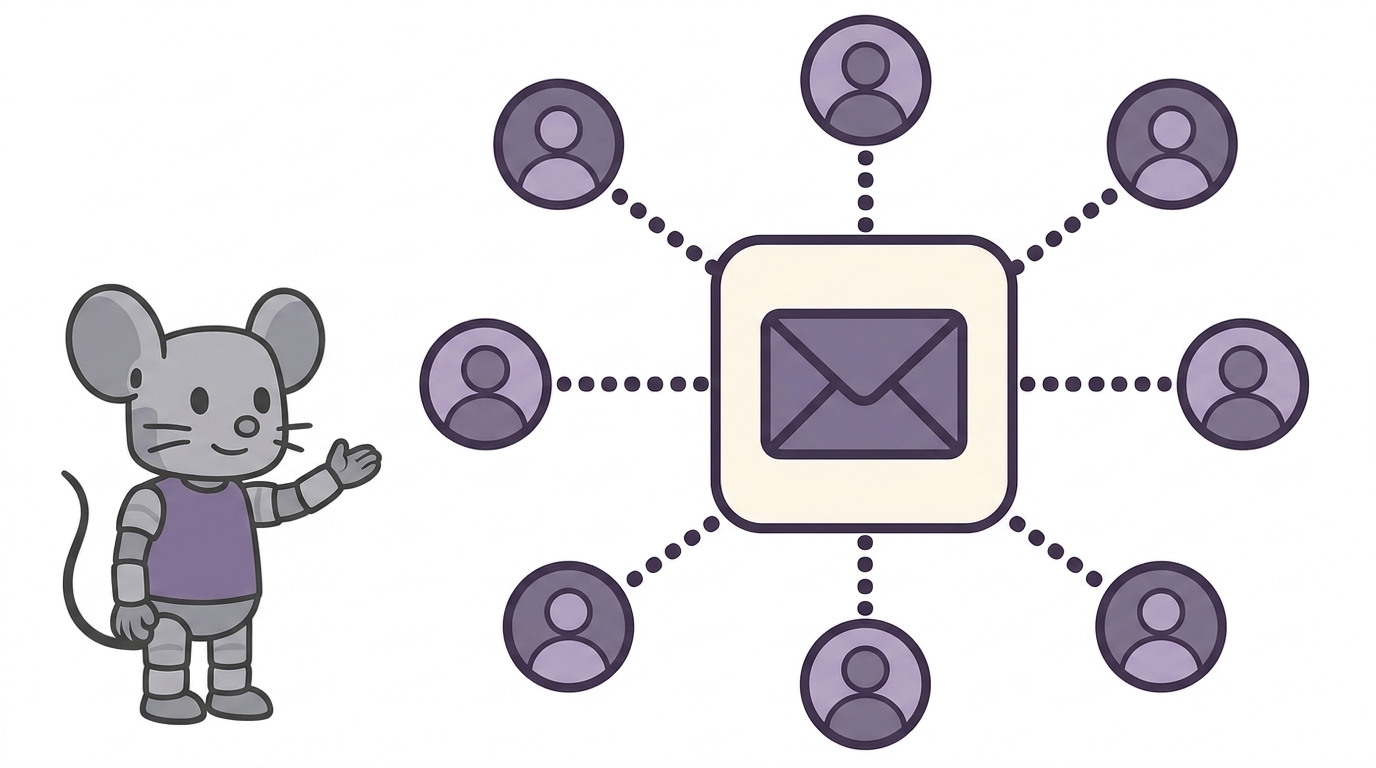
A listserv is an electronic mailing list: a single email address that automatically forwards every message it receives to all of the list’s subscribers. Instead of remembering fifty addresses, you write to one — say, members@yourclub.org — and everyone gets the message. Replies can flow back through the same address, turning email into a group discussion.
The word has become a generic term for any email discussion list, but it started as the name of a specific piece of software — and strictly speaking, it still is one.
Listserv Meaning and Origin
LISTSERV is mailing list software created in 1986 by engineer Eric Thomas for BITNET, an early academic computer network. It was the first program to automate mailing list management — subscribing, unsubscribing, and distributing messages — which until then a human administrator did by hand. The software is still sold today by L-Soft, the company Thomas founded, and “LISTSERV” remains its registered trademark.
In everyday use, though, listserv (lowercase) has gone the way of “kleenex” and “xerox”: people use it for any email mailing list, whatever software runs it — a university department list, a neighborhood group, a professional association’s member list.
Is It “Listserv” or “Listserve”?
Listserv — there’s no final “e.” The name is “list server” squeezed into the eight-character name limits of 1980s computing: LISTSERV. “Listserve” is one of the most common misspellings in email, so if a list address isn’t working, that missing letter is a good first thing to check.
How a Listserv Works
Every listserv, old or new, follows the same pattern:
- The list has one posting address — for example
team@yourgroup.org. Mail sent there is distributed to every subscriber. - Members subscribe and unsubscribe — on classic LISTSERV systems by emailing commands (like
SUBSCRIBE LISTNAME Jane Doe) to a separate command address; on modern services through a web page or a link in each message’s footer. - An owner sets the rules — who may join, who may post, whether messages need approval before going out (a moderated list), and whether replies go to the whole list or just the sender.
- Optional extras — many lists keep a searchable archive of past messages and offer a digest mode that bundles the day’s messages into a single email.
Who Still Uses Listservs?
More people than you might think. Email remains the one communication channel every member already has, which keeps listservs alive in:
- Universities and research — departmental lists, course announcements, and academic communities across institutions
- Professional associations — member discussion and announcement lists
- Non-profits and volunteer groups — coordination without requiring anyone to install an app
- Neighborhoods, congregations, and clubs — communities whose members span every age and email provider
Chat tools like Slack and Discord replaced listservs for real-time conversation, but for groups that need to reliably reach everyone — including people who check email twice a day — the mailing list never stopped working.
Listserv Software vs. Modern Group Email
If you want a listserv for your own group today, there are three routes:
| Option | Examples | Best for | The catch |
|---|---|---|---|
| Self-hosted software | LISTSERV, Mailman, Sympa | Institutions with IT staff and full-control requirements | You run the server, security updates, and deliverability yourself |
| Free platforms | Google Groups | Casual groups already living in Google's ecosystem | Clunky admin, members need Google accounts for key features |
| Hosted list services | MailMouse, Groups.io | Groups that want a list that just works, on any email provider | Subscription pricing for larger groups |
For a detailed comparison of the hosted options, see our guide to Google Groups alternatives.
A listserv, minus the server
MailMouse is a modern take on the listserv: create a list address, add members' emails — any provider, no accounts to create — and start the conversation. Privacy built in, EU-hosted, GDPR compliant.
Get Early AccessFrequently Asked Questions
Is LISTSERV still used?
Yes. L-Soft still develops and sells LISTSERV, and many universities and large associations run it. The generic concept is even more alive: thousands of communities run mailing lists on Mailman, Google Groups, or hosted services like MailMouse.
Is a listserv free?
It depends on the route. Open-source software like Mailman is free but requires your own server and admin skills. Google Groups is free with Google-account strings attached. Hosted services charge a subscription in exchange for handling hosting, deliverability, and management for you.
What’s the difference between a listserv and a newsletter?
Direction. A newsletter is one-to-many: one sender broadcasts, subscribers read. A listserv is many-to-many: any member can post, and everyone sees the discussion. Some lists are run in announcement-only mode, which makes them behave like a newsletter.
How do I make my own listserv?
Pick a hosted mailing list service, create a list address, and add your members — that’s the whole job. If your group currently emails via CC lists in Gmail or Outlook, those guides show the built-in options and when a real list is the better tool.